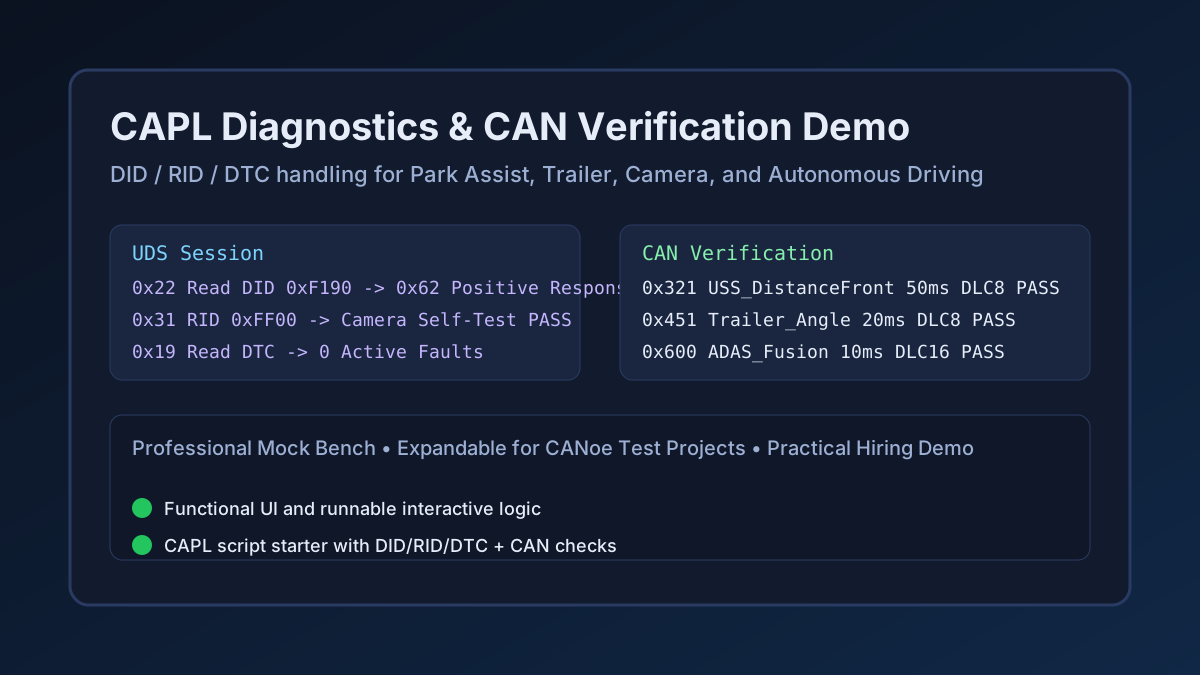
CAPL Diagnostics & CAN Verification Demo
A practical and expandable CAPL-focused diagnostics demo that simulates how a test engineer validates ECU behavior using DID reads/writes, RID routine control, DTC monitoring/clear flows, and message-level CAN verification. The dashboard includes scenario execution for Park Assist, Trailer Handling, Camera Image Validation, and Autonomous Driving, with live request/response traces, verdict logic, and a downloadable CAPL script starter that can be continued in Vector CANoe.
Interactive Demo
Run the interactive demo directly in this page, or open it in a dedicated tab for full-screen testing.
Demo Size
This interactive demo allows you to try CAPL Diagnostics & CAN Verification Demo. Use keyboard navigation to interact with the embedded content.
Project Information
Technology Stack
How to Use CAPL Diagnostics & CAN Verification Demo
Follow this interactive guide to learn all the features and how to use this application effectively.
DID Operations
Test ReadDataByIdentifier and WriteDataByIdentifier.
Instructions
- Execute ReadDataByIdentifier for feature calibration
- Test WriteDataByIdentifier for status updates
- Verify DID responses match specifications
- Check data byte formatting
Pro Tips
- DIDs provide access to ECU parameters
- Common DIDs: VIN, calibration, sensor data
Step 1 of 3
Continue Exploring
Related Projects
Automotive CAN-Bus Logger
Desktop CAN/CAN-FD logging and diagnostics tool with live frame trace and export support for Vector workflows.
Camera Object Detection
Real-time camera object detection demo powered by OpenCV pipelines and confidence scoring.
Embedded Video Systems Engineer
Interactive embedded video systems dashboard — live H.265/AV1 pipeline, VPU metrics, codec tuning, and multi-platform mobile targets